
Aalberg Audio - NEW Software update May 2019!
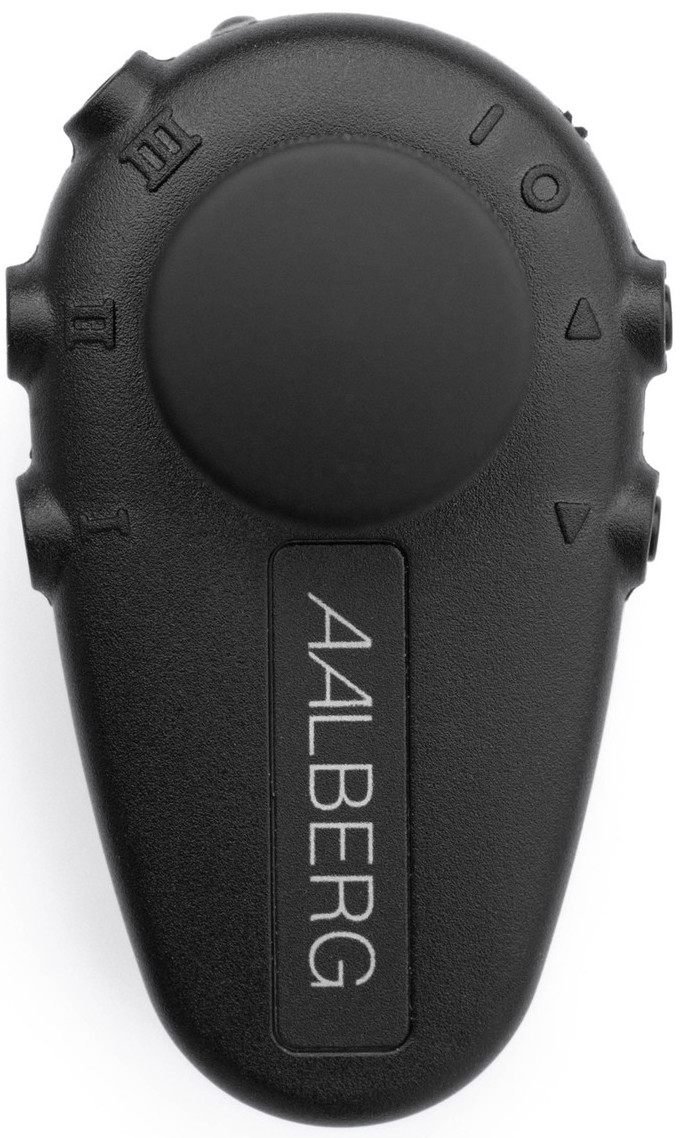
AERO
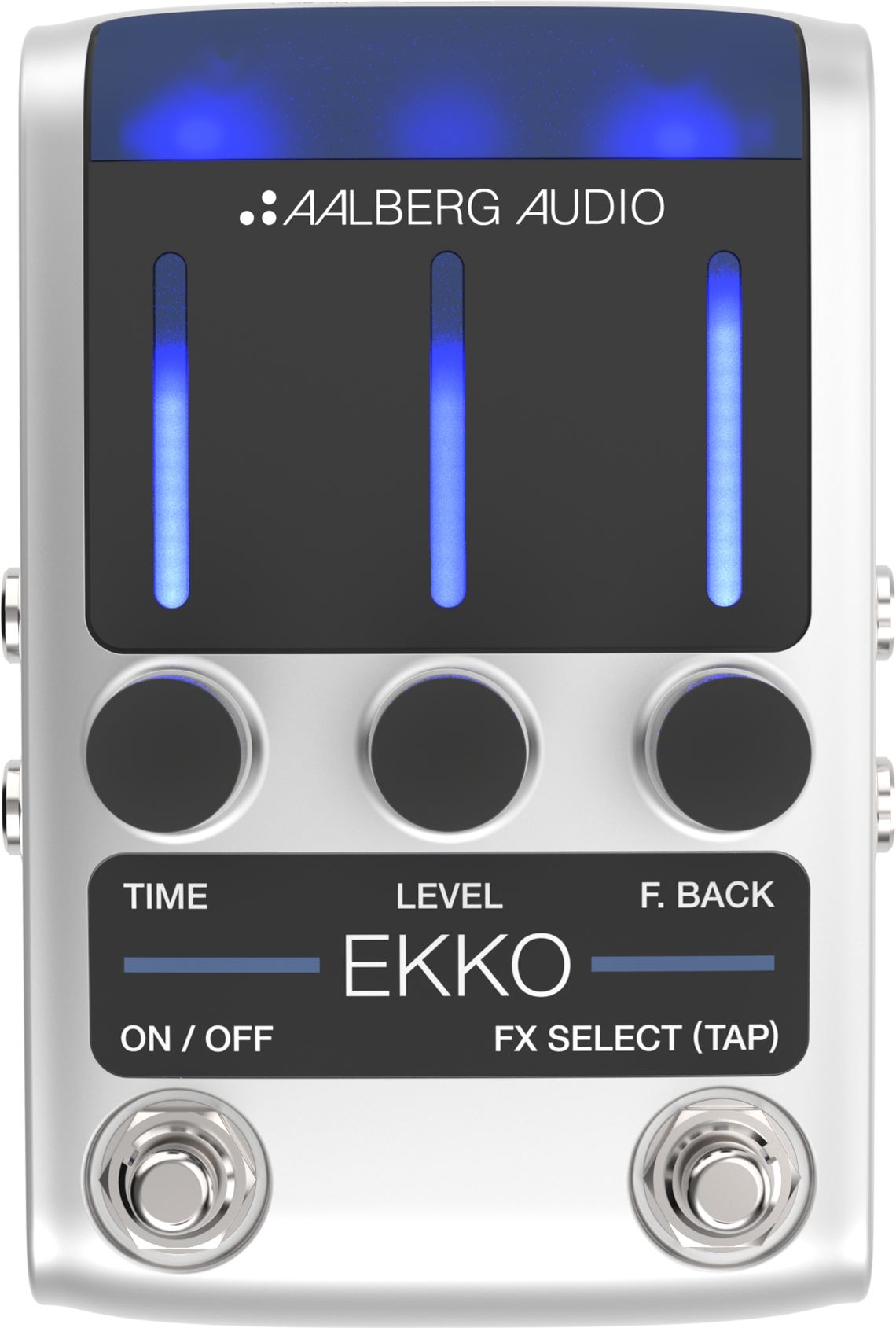
EKKO
KOR
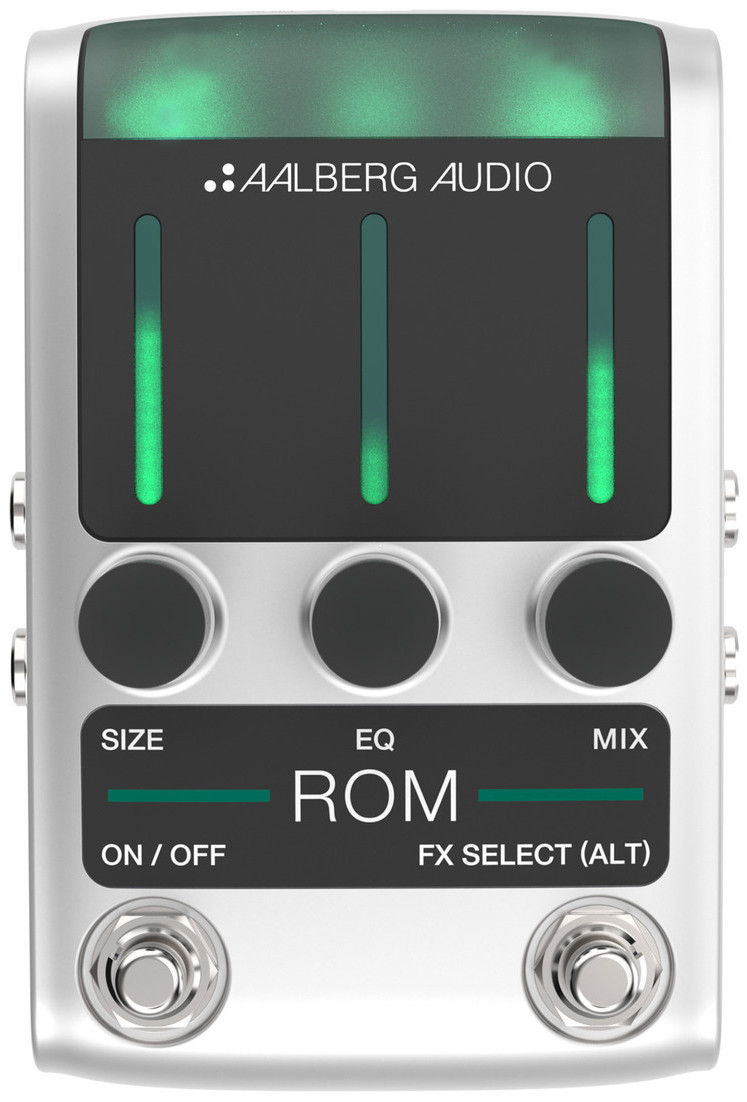
ROM
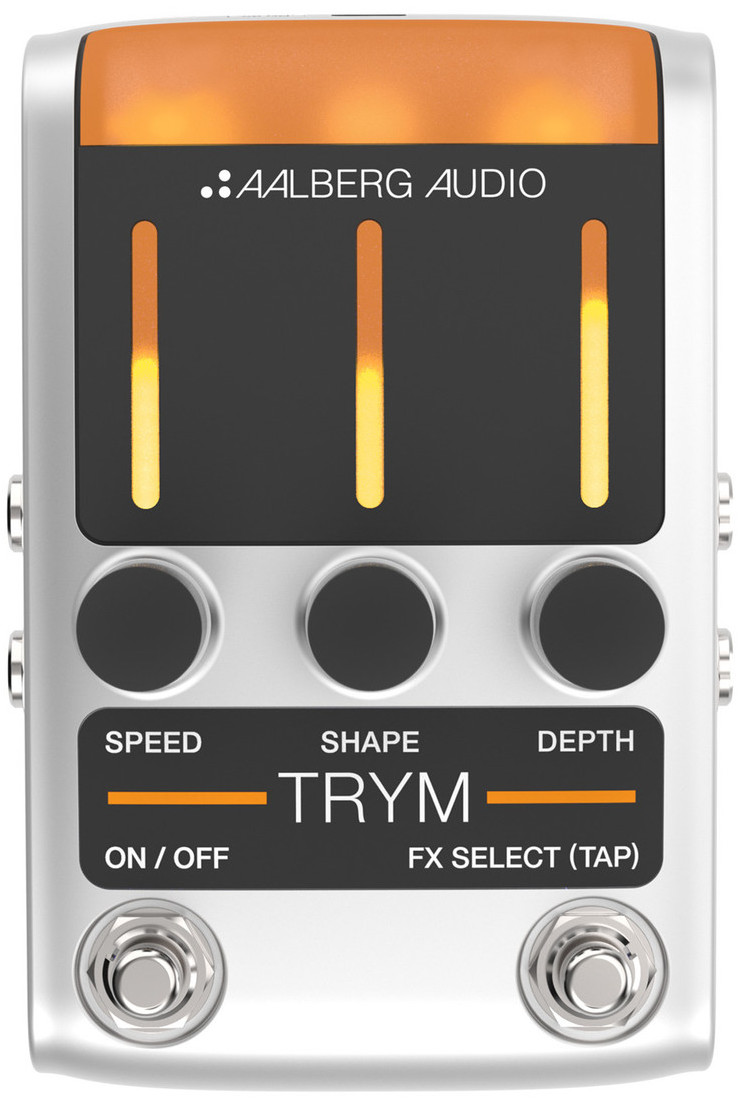
TRYM
Tutorial
Tutorial video for updating:This a tutorial video that shows how you can update your Aalberg Audio pedals and AERO Wireless Controller using the nRF Toolbox App available for both OS X and Android found here:
https://www.nordicsemi.com/Software-and-Tools/Development-Tools/nRF-Toolbox
For details on the improvements in this version, please see below and please read the important information part as well, before you go ahead updating your products.
RELEVANT TUTORIALS:
Pairing one AERO to one pedal:
Pairing one AERO to multiple pedals:
IMPROVEMENTS IN THIS SOFTWARE VERSION:
1. Faster switching between active parameters (FX-SELECT)
2. Improved wireless communication (safety)
3. Up to nine presets available (using the arrow keys on the AERO as modifiers)
Preset 1: click button marked 'I'
Preset 2: click button marked 'II'
Preset 3: click button marked 'III'
Preset 4: press and hold button "<" and click button 'I'
Preset 5: press and hold button "<" and click button 'II'
Preset 6: press and hold button "<" and click button 'III'
Preset 7: press and hold button ">" and click button 'I'
Preset 8: press and hold button ">" and click button 'II'
Preset 9: press and hold button ">" and click button 'III'
To store the current settings on the pedals as a preset, press and hold one of the nine above.
A dice indication will flash on the leds when preset is stored.
Music: Hardware '86 - "Arena"
Voice: Rune Aalberg Alstad (2019)